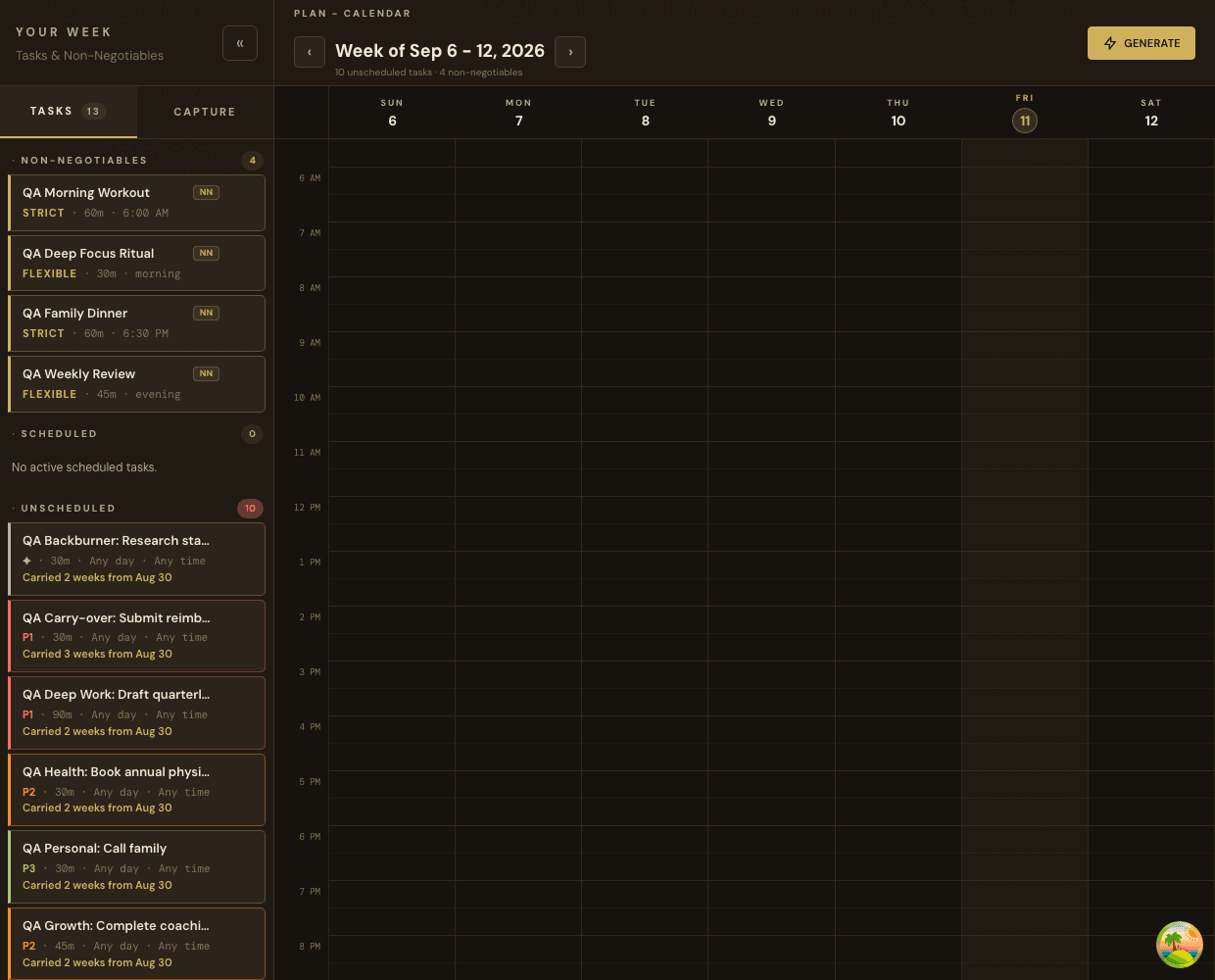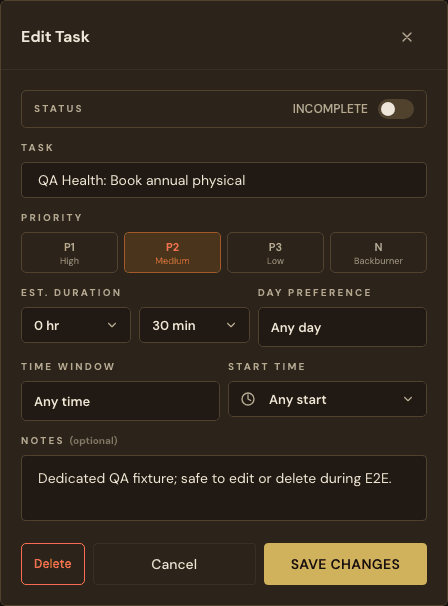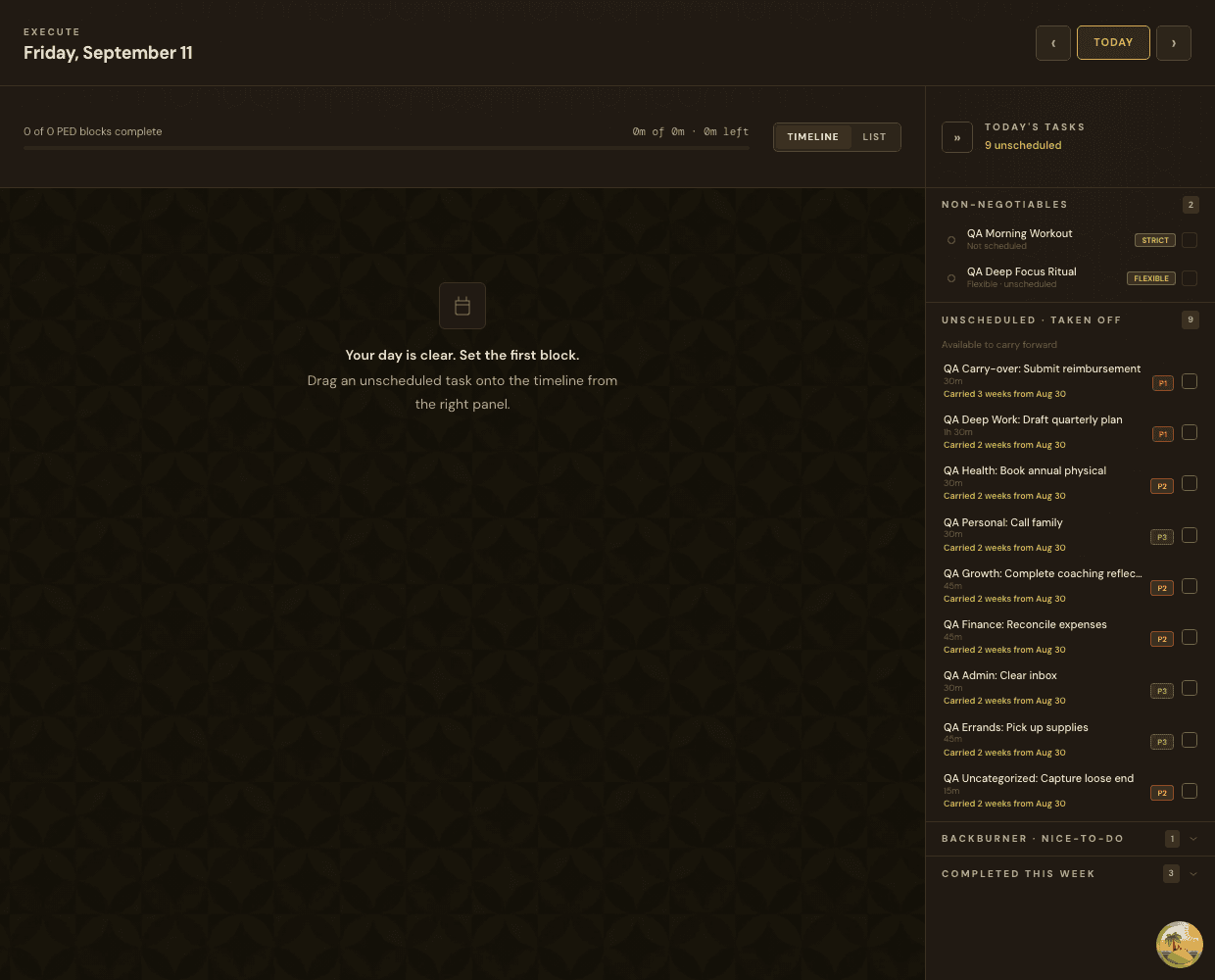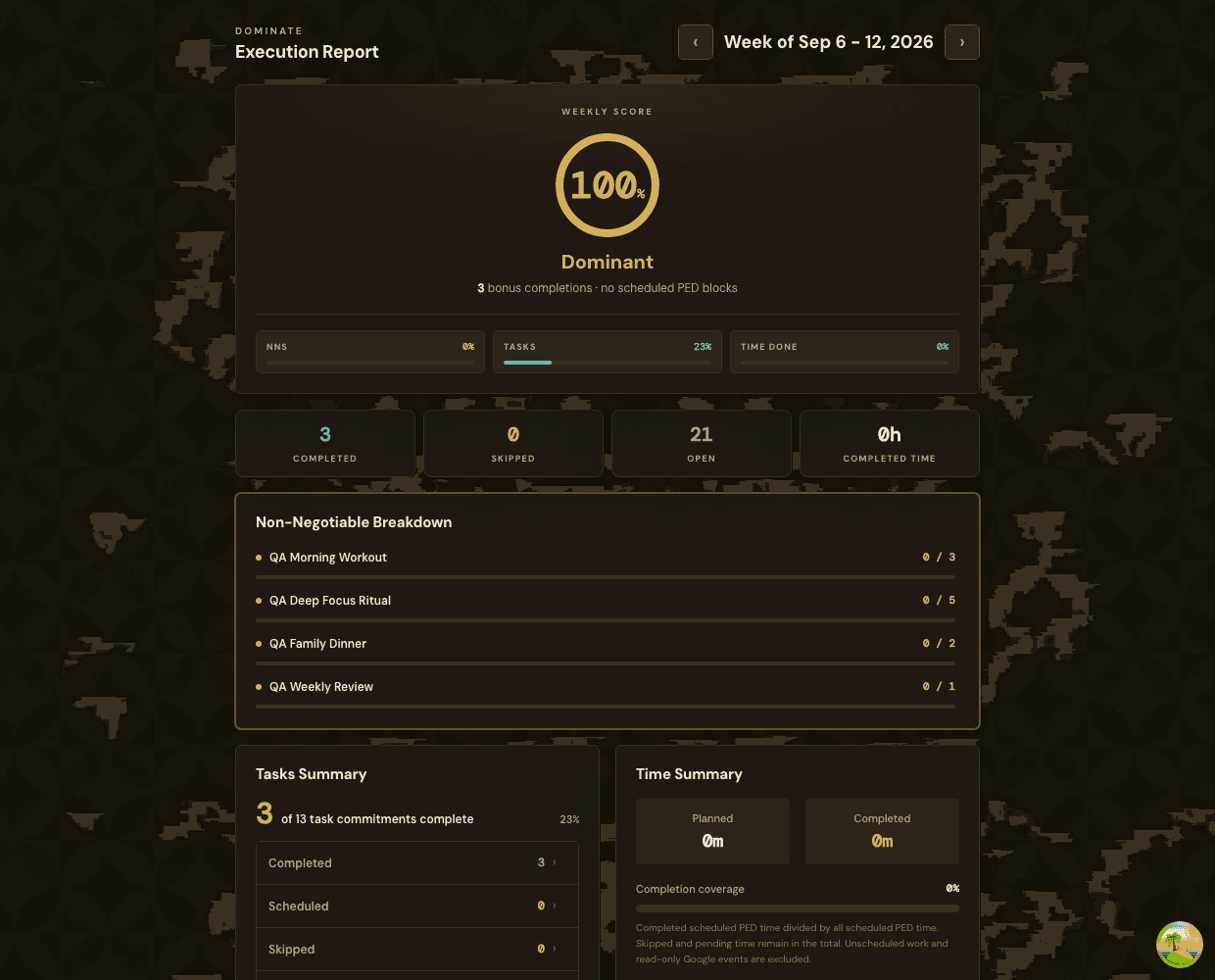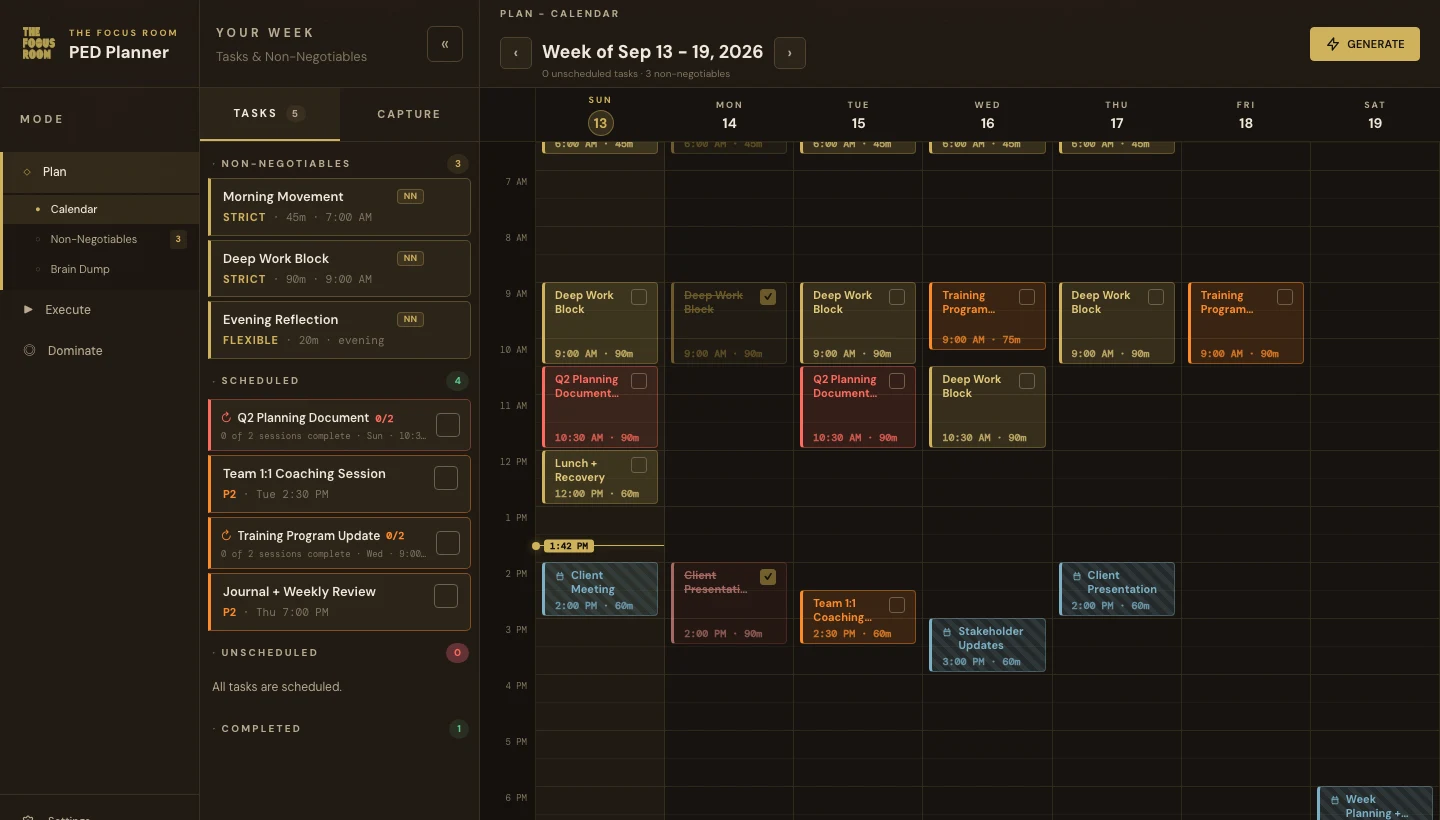
PED Planner is your weekly planning and execution system. Plan. Execute. Dominate.
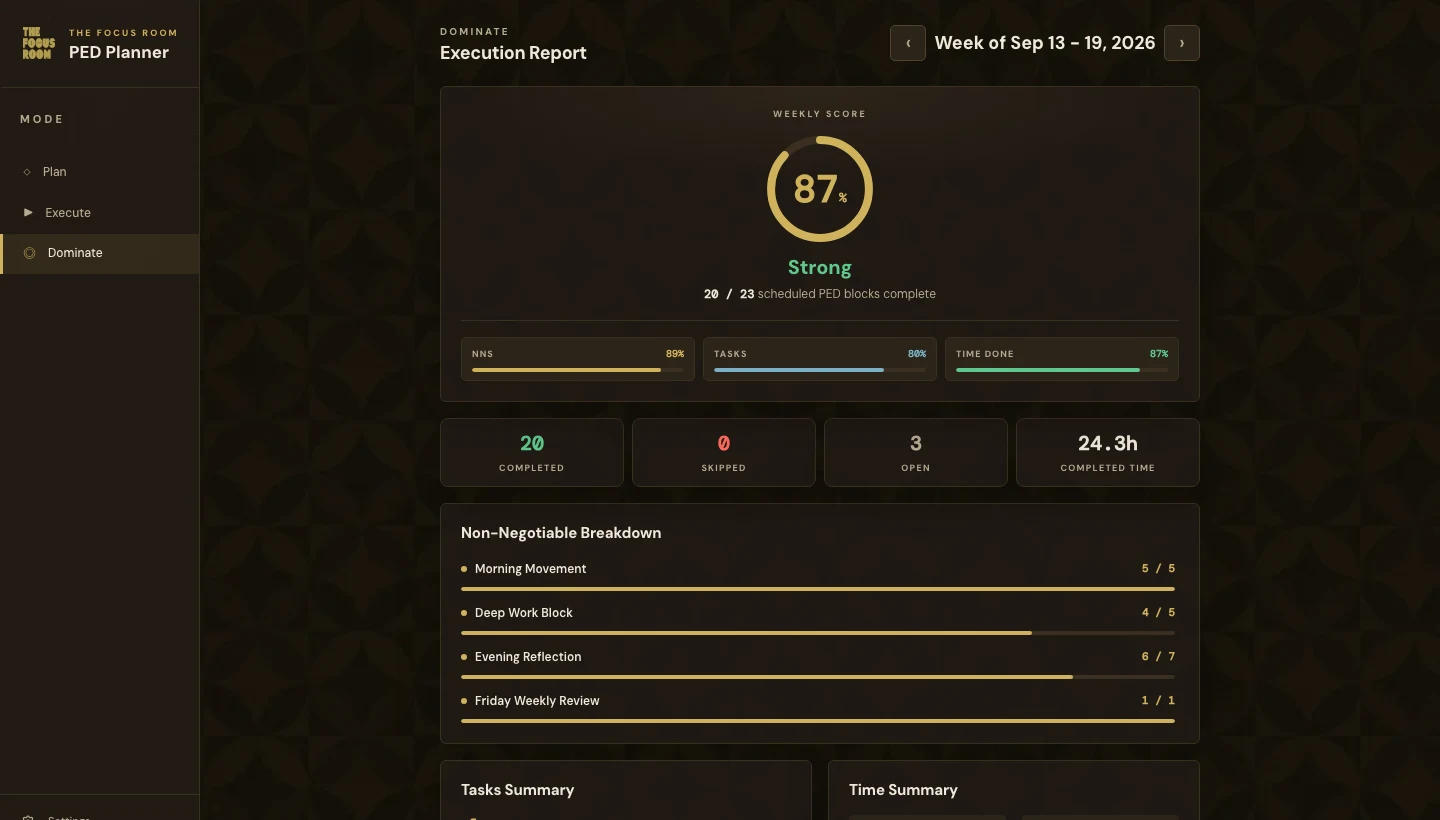
Every week follows the same structure: capture your tasks and non-negotiables, generate a conflict-free schedule, execute your blocks, and review your Domination Score.
What to Expect on First Login
Your account is created by The Focus Room Support. You will receive a branded invitation email with a link to access your planner.
- Click the link in your invitation email.
- Enter your email address as the temporary password.
- You will be prompted to set a permanent password.
- Complete the onboarding flow: this takes about two minutes.
- You land on your weekly planner.
The invitation link is valid for 48 hours. If it has expired, contact The Focus Room Support to request a new link.
Onboarding Flow
Onboarding is a one-time first-run setup. You will configure:
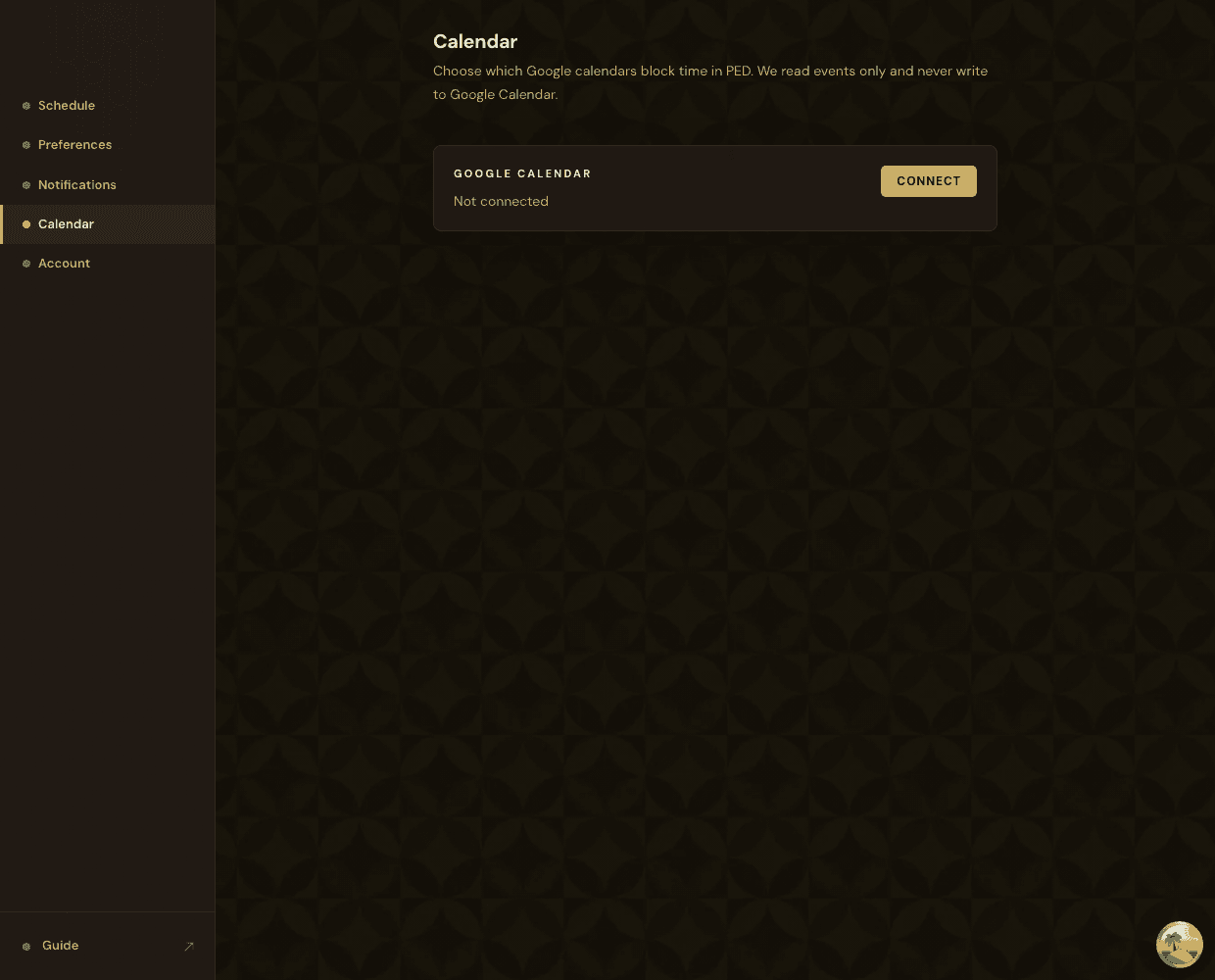
- Google Calendar connection (optional)
- Wake time, sleep time, and work hours
- Planning day and time
- Your first task brain dump
You can update all of these settings later from the Settings panel.
Navigation
| Week | Your weekly planner: the main workspace |
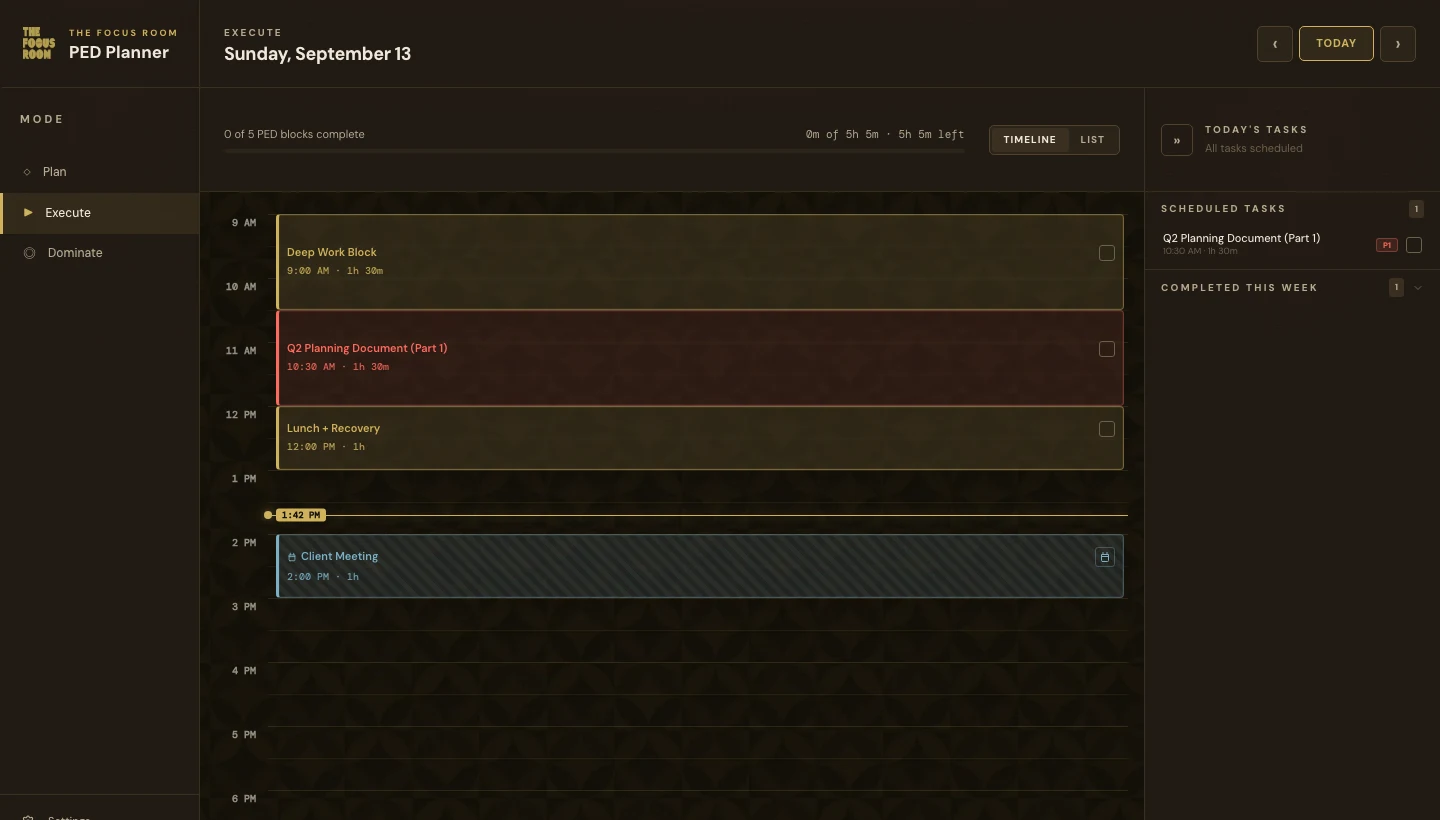
| Today | Focused view showing only today's scheduled blocks |
| Dominate | Domination Score, execution breakdown, and weekly performance |
| Settings | Preferences, Google Calendar, account management |
| Admin | Admin and The Focus Room Support accounts only |